


Mushi Lantern
A downloadable game for Windows and Linux
Guide the lost mushi home
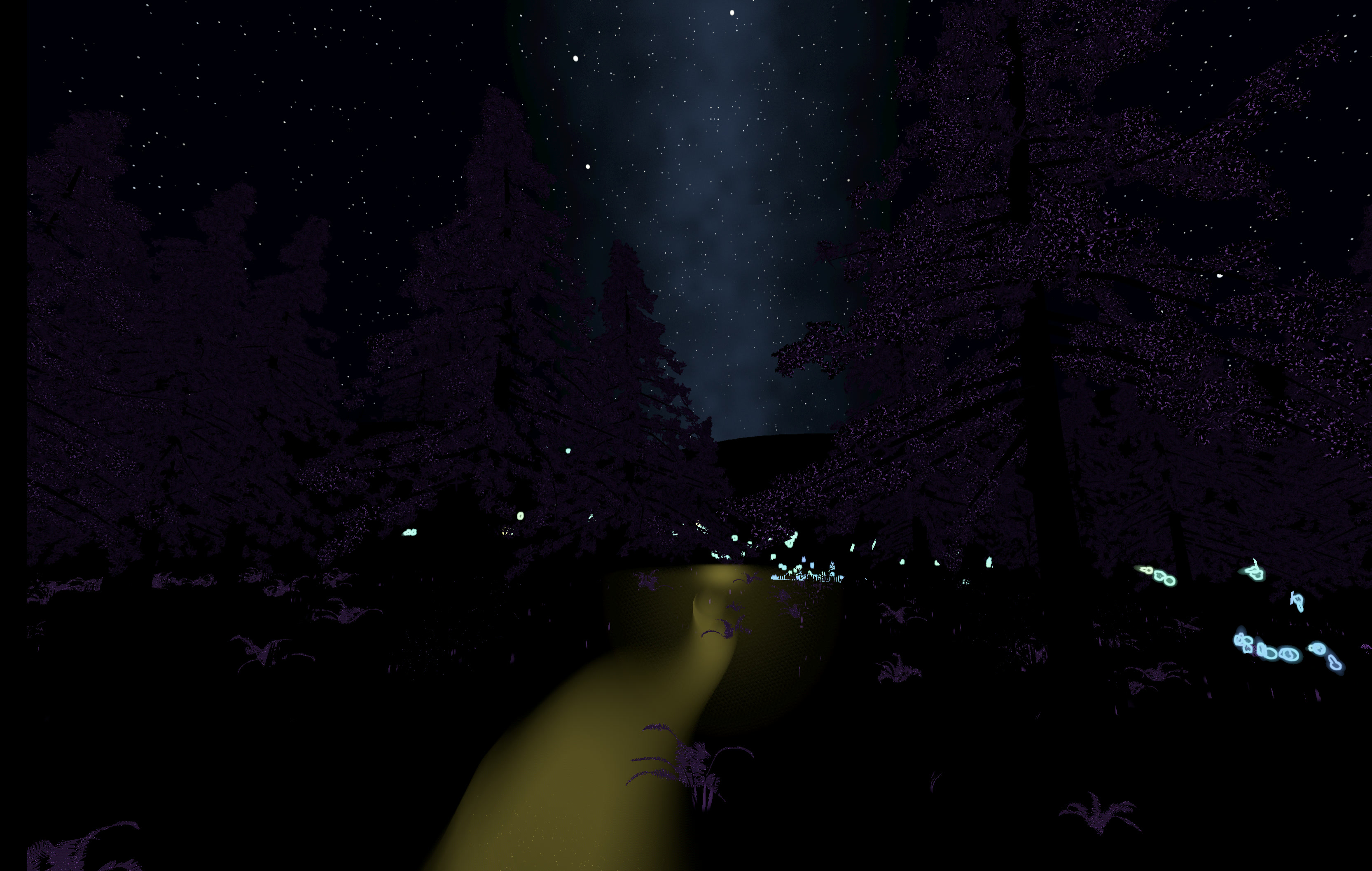
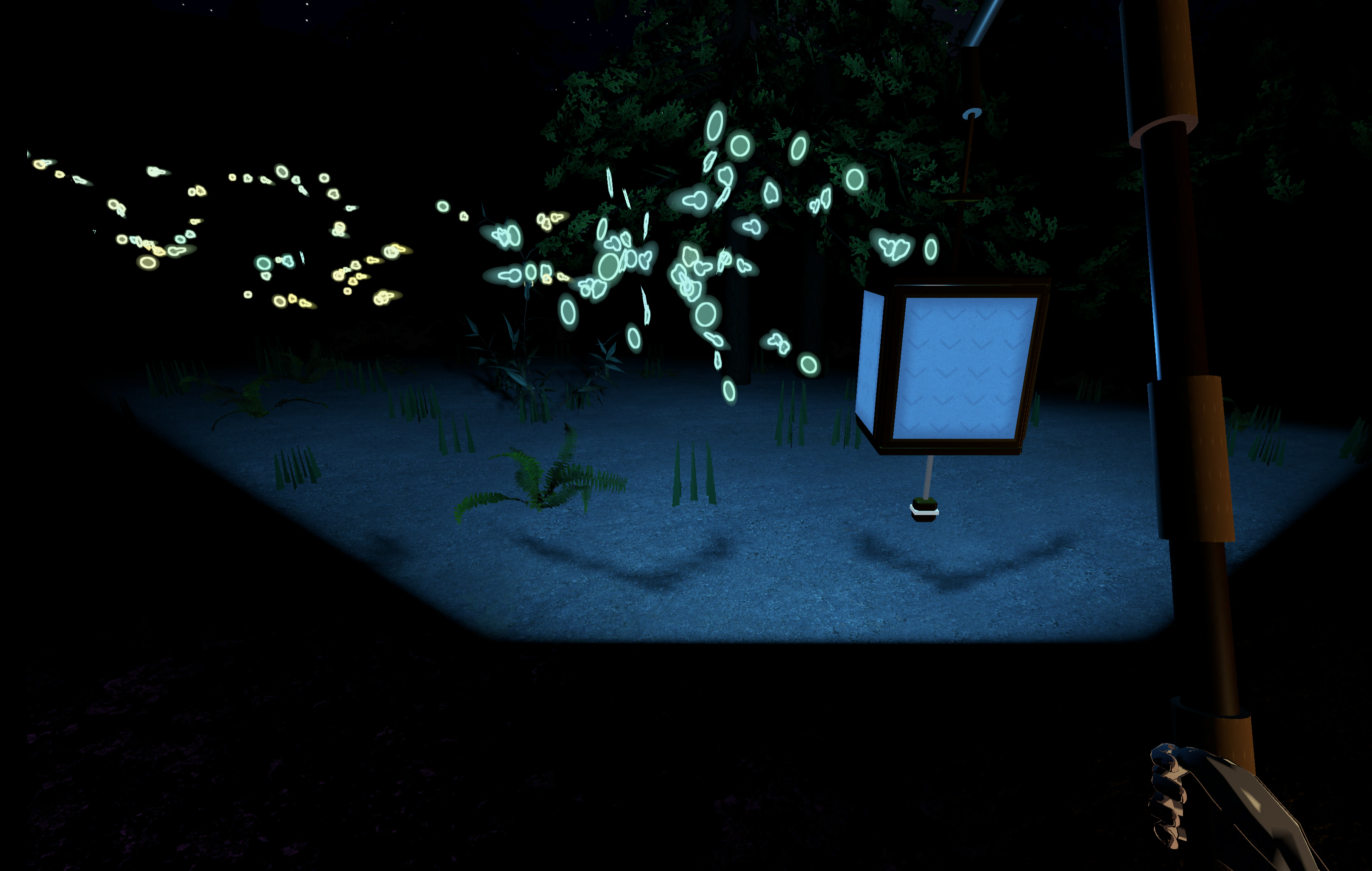
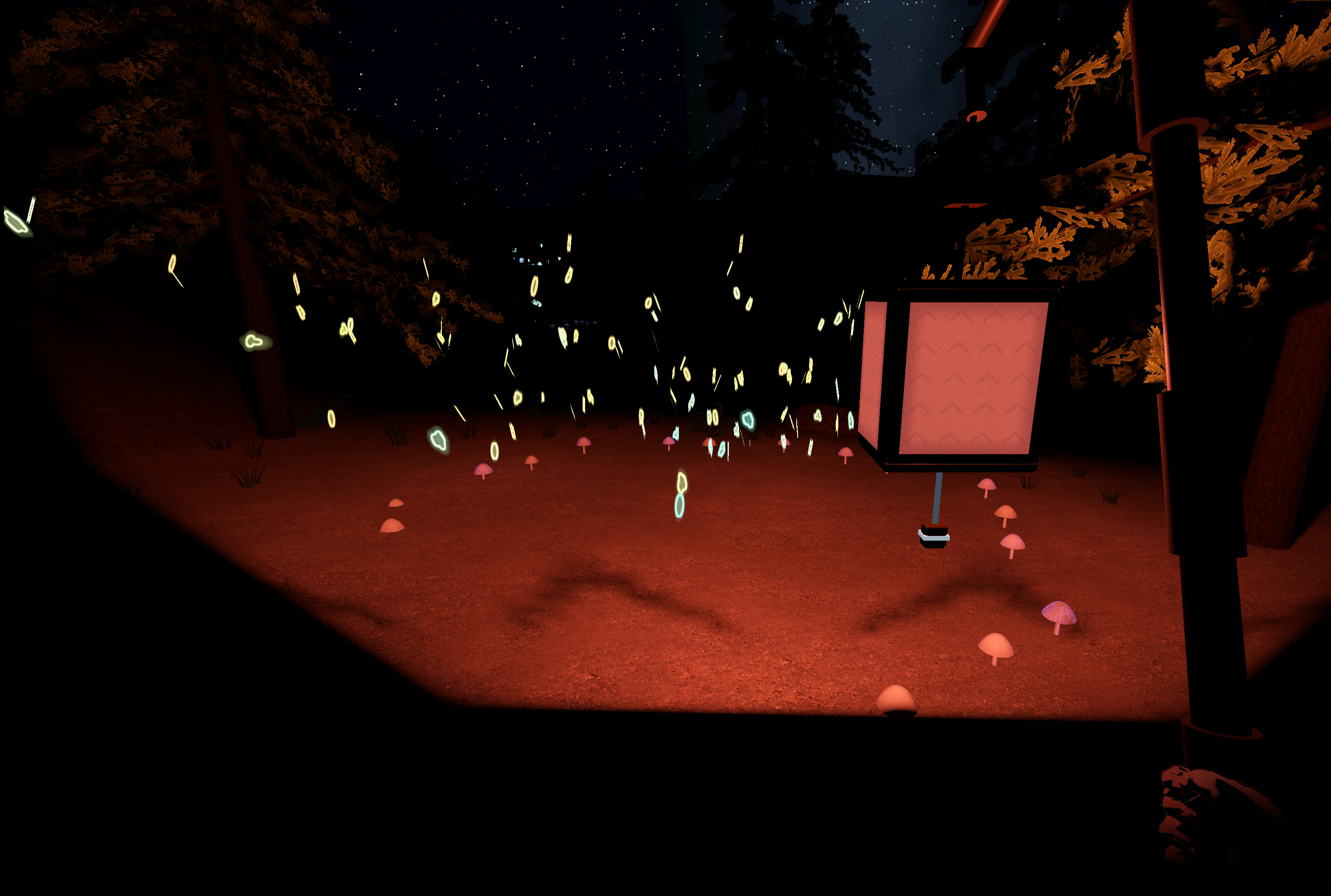
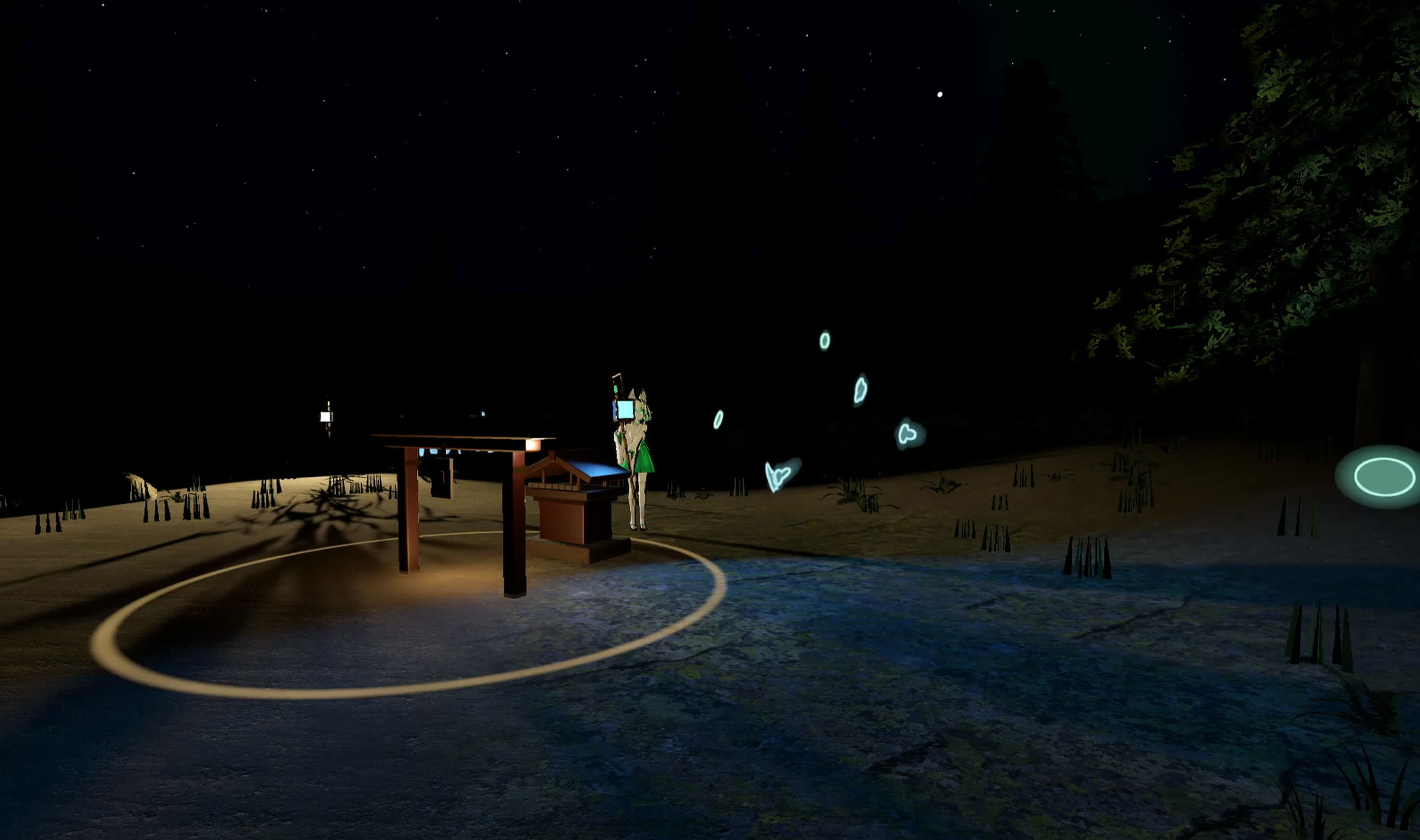
Mushi are primordial lifeforms that only interact weakly with our world. They have been stranded adrift in a 光脈筋 (koumyakusuji), a forest grove where their world overlaps with ours more strongly. Use a special lantern to guide them back back to their migration.
You can play Mushi Lantern in VR (OpenXR) or on desktop.
The forest is dark, but there are no jumpscares or attacking creatures.
Made with Godot for the Godot XR Game Jam (theme: Adrift).
How to play
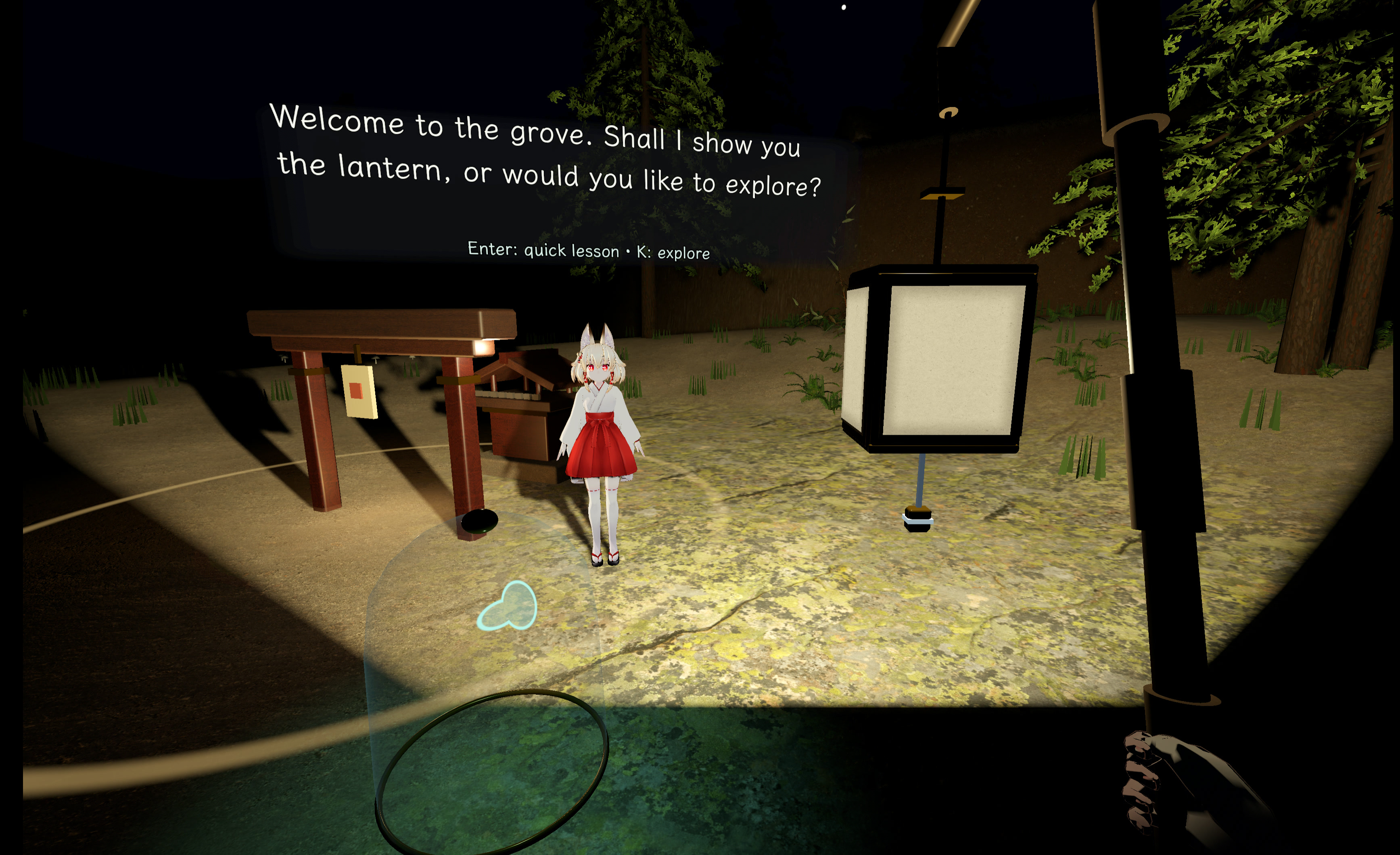
Ther's a short in-game tutorial for the main mechanics (you can also skip it).
On desktop, use WASD and the mouse to move and look. Hold right click and drag to use the lantern rope. In VR, grab the lantern and press either trigger to advance dialogue; Y/B opens the menu.
There are comfort options in the menu for VR turning and vingette. No teleport mode, sorry.
Multiplayer (experimental)
In the menu, you can host and join a game with a private lobby code (similar to walkabout minigolf or other game), and guide the mushi together.
There is also spatialized voice chat (muted by default, unmute in the menu).
You can cross-play between VR and desktop. VR tracking generally works (but 3 point, no FBT)
The networking works using p2p (iroh.computer). Depending on your bandwidth it should work up to 8 players.
There's a doubly experimental sort of competitive mode with two shrines. Like soccer I guess. I didn't test it extensively. Let me know if it works.
Inspiration
Mushi Lantern is an unofficial tribute / fan game to Mushishi (蟲師) by Yuki Urushibara.
AI disclosure
This game was developed primarily with GPT 6 models (Astra, Sol, Luna), including all of the code, and asset kitbashing. There are no direct generative outputs (i.e. diffusion) in the audio or graphics. I did review and edit the text, so hopefully not too slopped but I didn't rewrite every word, sorry.
Credits
Direction by Hiina.
Ukon (右近) VRM model by キツネツキ (kitsune_tsuki), via VRoid Hub.
Animation: Explosive LLC's RPG Character Animations Pack Free (MIT).
Audio recordings (CC0, Freesound): OwlStorm / Ashe Kirk / Owlish Media, Night Crickets; kyles, Crickets Night Forest; Dominik_W, Footsteps Foliage; happy_boozer, Lantern Swinging; ImAFoley, Oil Lantern Open and Close; deadrobotmusic, Wooden Wick Candle Crackle.
Environment (CC0): Poly Haven Pine Bark, Forest Ground 06, Forest Ground 04, Forest Ground 01, Rock Surface, Rock 01, Mossy Rock, Lacquered Cherry Wood, Fern 02, and Shrub 02; Dense Temperate Forest Flora meadow grass and royal fern; ST Brass and Paper 002 from CC0 Textures / Share Textures. Pine and oak trees were generated with EZ-Tree by Daniel Greenheck (tool: MIT). The mushroom model and texture are original project assets (CC0).
Fonts and software: Klee One by the Klee Project Authors (SIL OFL); DejaVu Sans; Godot; Terrain3D by Cory Petkovsek, Roope Palmroos and contributors (MIT); Godot XR Tools by Bastiaan Olij and contributors (MIT); V-Sekai Godot VRM/MToon (MIT); RenIK by Lyuma and MMMaellon (MIT); Steam Audio SDK (Apache-2.0); Prim/godot-network-audio; and OpenLipSync from BasisVR / Basis / KyuubiYoru (Apache-2.0). The viseme training set uses LibriSpeech train-clean-100 (CC BY 4.0).
Detailed license notices: full credits and environment provenance.
Source
Source code is published at https://github.com/hiinaspace/mushi-lantern .
Download
Development log
- Update: less weird packaging3 days ago
Leave a comment
Log in with itch.io to leave a comment.